

A missing phone can take your maps, boarding passes and access to home with it. Start with two separate jobs: make the device harder to misuse, then restore a safe way to reach your accounts. A map pin is useful information, never a reason to confront someone.
This checklist uses Apple and Google guidance checked on 16 October 2026. Menus and available features depend on your device and settings. It is a desk-researched guide, not a device-recovery test.
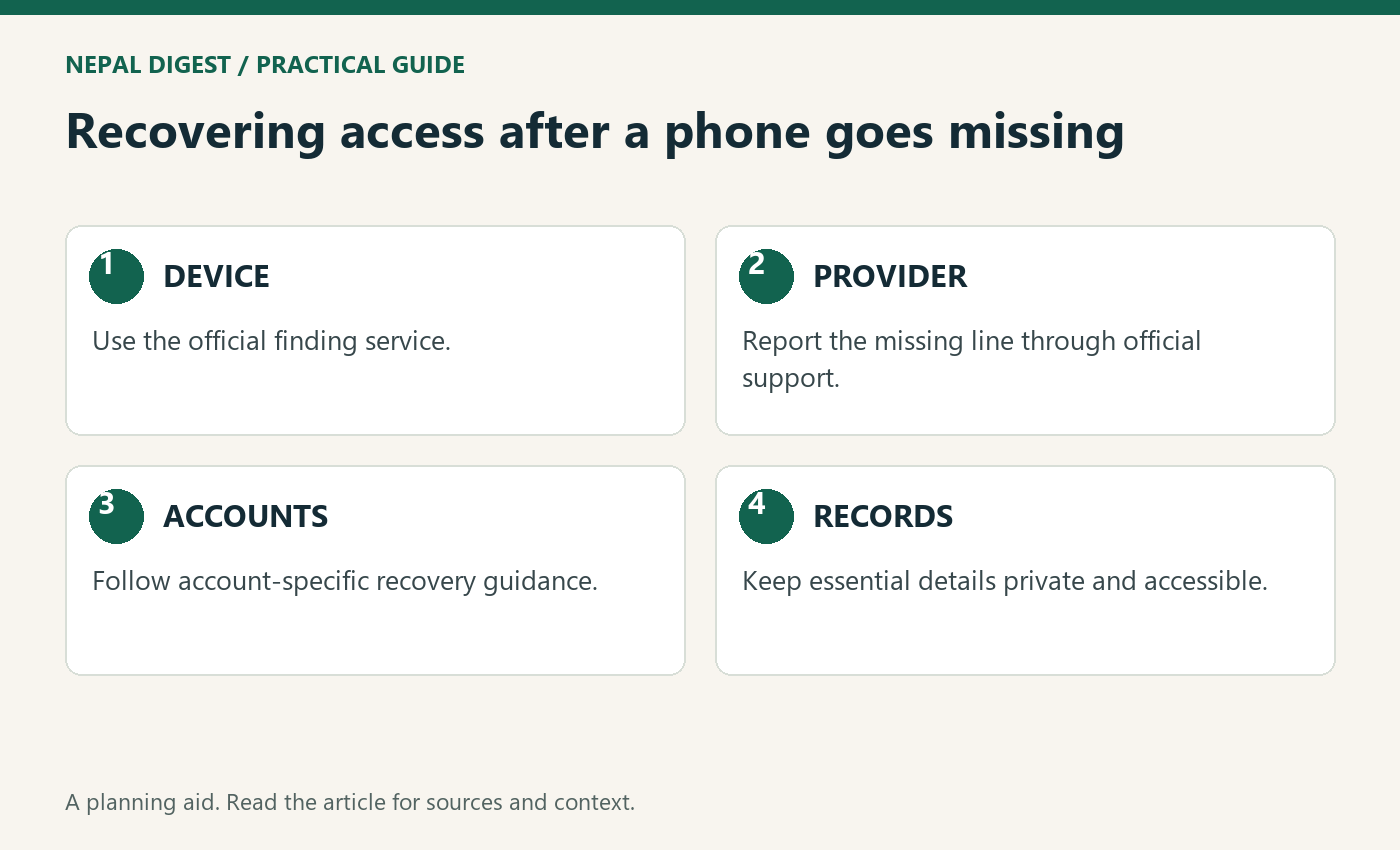
Table of Contents
Phone abroad: 1. Open the official finding service
Use a trusted device to visit Apple Find Devices or Google Find Hub. Type the address yourself rather than following an unsolicited “phone found” message.
For an iPhone, select the device and mark it as lost. If theft is suspected, leave your contact details off its screen: Apple warns that a thief could use them for scams. Lost Mode locks the device and suspends Apple Pay cards and passes. Apple's Find Devices sign-in can be used without the verification code sent to the missing device; select Find Devices if prompted. Apple's lost-device guide · Apple's theft guidance
Find My must have been enabled before the loss. If it was not enabled and the iPhone was stolen, you cannot mark it lost or erase it remotely; Apple advises changing your Apple Account password immediately. Apple's theft guidance
For Android, use Find Hub to locate the device or mark it as lost. The remote actions depend on prerequisites including power, connectivity, the signed-in Google Account and Find Hub availability. A location may be approximate or show where the phone was last seen. Do not assume an absent location means the phone has been destroyed. Google's device guide
2. Treat suspected theft differently from a misplaced phone
If the phone may be nearby in a safe place, the sound feature can help. If it appears at an unfamiliar address or you believe it was stolen, contact local police instead of going after it.
Apple says it will not contact you to announce that your phone has been found. Do not give a caller your passcode or verification codes. Apple's stolen-device guide
3. Contact your mobile provider
Use your provider's official support channel to report the missing phone and ask about suspending the line and replacing the SIM or eSIM. If you have both a Nepal number and an overseas number on the device, make a separate entry for each provider.
Keep a simple incident record: when and where it went missing, the device model, serial number or IMEI if available, and any police or provider reference. Do not post those identifiers publicly. Apple recommends reporting a missing phone to the network provider and police; local reporting and replacement procedures differ. Apple guidance
4. Restore access without weakening security
For Google accounts, backup options may include another signed-in phone, a previously saved backup code, a registered security key or a passkey on another device. If those are unavailable, use the official recovery process. Google's recovery guidance
Before signing the Android phone out, review any Find Hub locking or erasing action you still need, including the warnings below. Google lists a signed-in account as a prerequisite for those actions. This sequencing caution follows from that requirement; it is not a guarantee about how long locating will remain possible. If you suspect account compromise, prioritise Google's account-security instructions, including password changes. Google's lost-phone recovery guidance also recommends signing out of the missing phone. Find Hub requirements · Secure a compromised Google Account · Lost-phone account recovery
Review account sessions from a trusted device. Google explains that one device can have several sessions, and background syncing can make a time look more recent than your last use. Investigate unfamiliar activity rather than treating every unfamiliar timestamp as proof of theft. Review Google account access
For an Apple Account, check its contact details, recovery methods and device list. Apple advises correcting unfamiliar changes and changing the password if you find them. Apple's theft guidance
If banking or work accounts were accessible, contact those organisations through their official channels for their own recovery instructions. A generic checklist cannot establish whether a particular account is safe.
5. Pause before erasing or removing anything
Locking, erasing and removing an account association are different actions. Google's factory reset deletes device data and ends Find Hub availability for that phone; an SD card may not be erased. Apple says remote erasure cannot be undone and warns that removing the device from Find My removes Activation Lock. Read the device-specific warning before proceeding. Google · Apple
Prepare a recovery note before your next trip
Keep provider contact details, device identifiers and a list of recovery methods somewhere accessible without the phone. Store recovery codes securely, separately from the missing device. The practical test is simple: if your phone disappeared right now, could you find the official recovery page and reach someone you trust?
For prevention before your next trip, see our Nepal holiday admin checklist. For bank-specific authentication arrangements, read managing Nepal bank accounts from overseas.
Rehearse a phone-abroad recovery plan without changing accounts
Before a trip, run a simple paper exercise. Imagine the phone is unavailable and list the first three people or organisations you would need to reach. Next to each, write the official contact route and where you would find it without that device. This is a planning exercise, not a reason to publish account details or test a real erase command.
Separate the contact sheet from sensitive recovery material. A relative helping you should be able to find an airline or mobile provider’s public support page without receiving your passwords, verification codes or complete financial records. Agree what help you want them to provide and keep control of account decisions yourself.
Review dependencies that are easy to overlook. Your transport booking, accommodation address and work contact may all be stored on the same phone. Keep an appropriate independent way to retrieve essential journey information. Ask your employer how to report a missing work device before you travel, so that a personal recovery checklist does not conflict with workplace instructions.
After the exercise, identify one unresolved gap and fix that gap through the relevant official service. The purpose is to make a difficult moment less confusing, while preserving the distinction between a contact plan and the device-specific security actions described above.
Related Nepal Digest guides: How to Run Your Nepal Bank Accounts While Living Overseas; Back in Nepal for a Holiday? Fix These 10 Things Before You Leave Again.